Best Laptop Cooling Pads for Electric Violinists: Playback and Video Editing
26 September 2026 · By Tanya Strings
The best laptop cooling pad for an electric violin performer is usually a quiet, stable model that leaves the computer’s own air intakes clear without making a new noise problem beside microphones. Thermaltake Massive 20 RGB is a sensible large-laptop option with a 200 mm fan and adjustable height; HAVIT HV-F2056 suits lighter travel kits; and Thermaltake Massive EXTREME is for a demanding workstation when bulk and mains power are acceptable. A cooling pad is not a cure for a failing playback computer. Buy it to improve airflow, desk angle and repeatable long-session comfort, then rehearse the complete show setup.
Some links in this article are affiliate links. I may earn a commission if you make a purchase, at no extra cost to you.
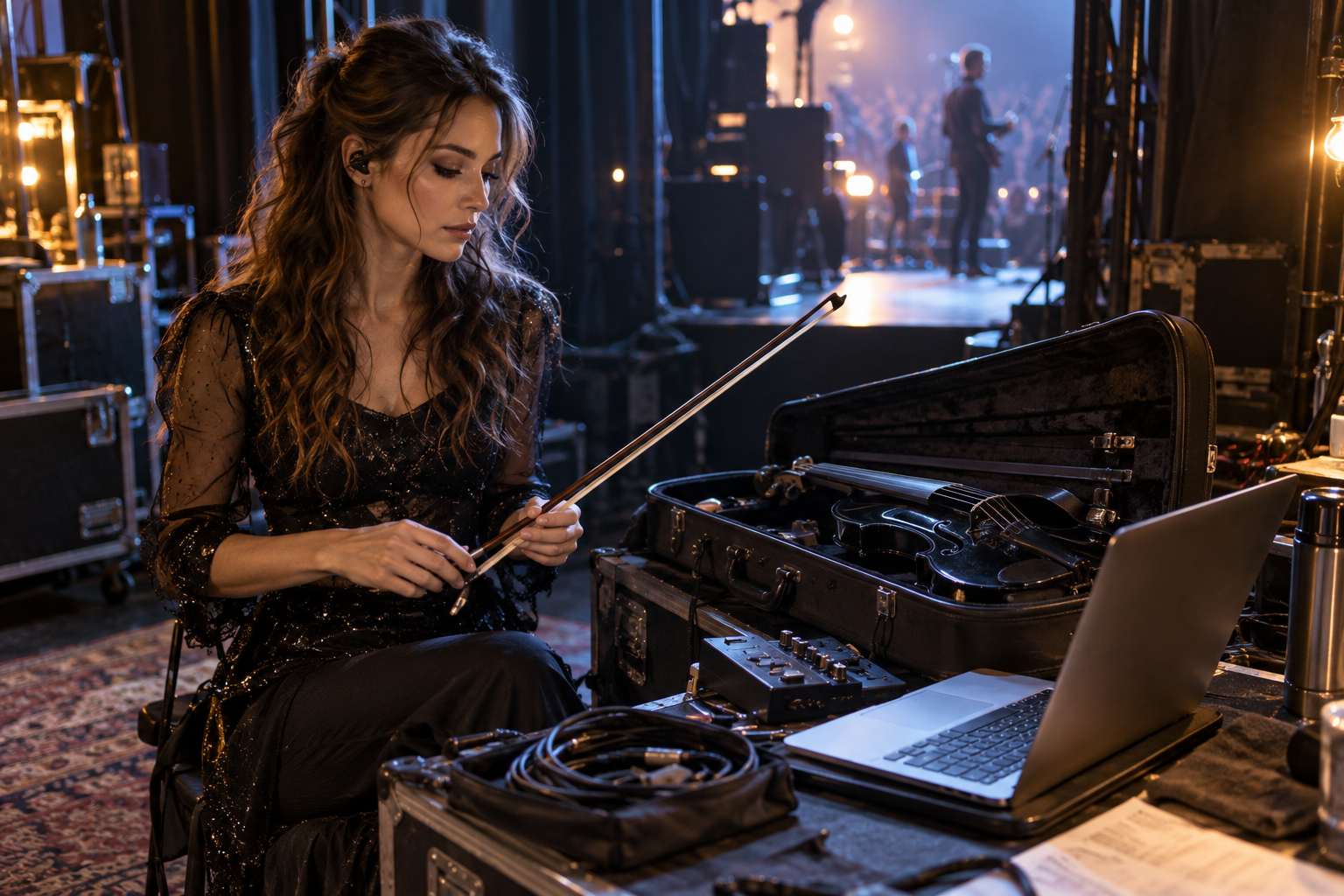
Which cooling pad fits an electric violin playback or editing rig?
This is a specification-based shortlist. Check the vents on your exact laptop first: some machines exhaust from the sides or hinge, and some need only a rigid raised platform rather than extra fans.
| Model | Best fit | Why compare it | Main tradeoff |
|---|---|---|---|
| Thermaltake Massive 20 RGB | Large performance laptop | 200 mm adjustable fan; supports up to 19-inch notebooks | Bulky in a gig bag |
| HAVIT HV-F2056 | Light creator travel kit | Thin, USB-powered multi-fan format | Less suited to a heavy workstation |
| Thermaltake Massive EXTREME | Demanding editing workstation | High-speed control and powered design | More space and power planning |
| Cooler Master NotePal X3 | Angled desk editing | Large-fan cooling-pad layout | Confirm current availability and fit |
| TopMate C5 | Value multi-fan option | Adjustable fan approach and raised position | More fan noise to assess |
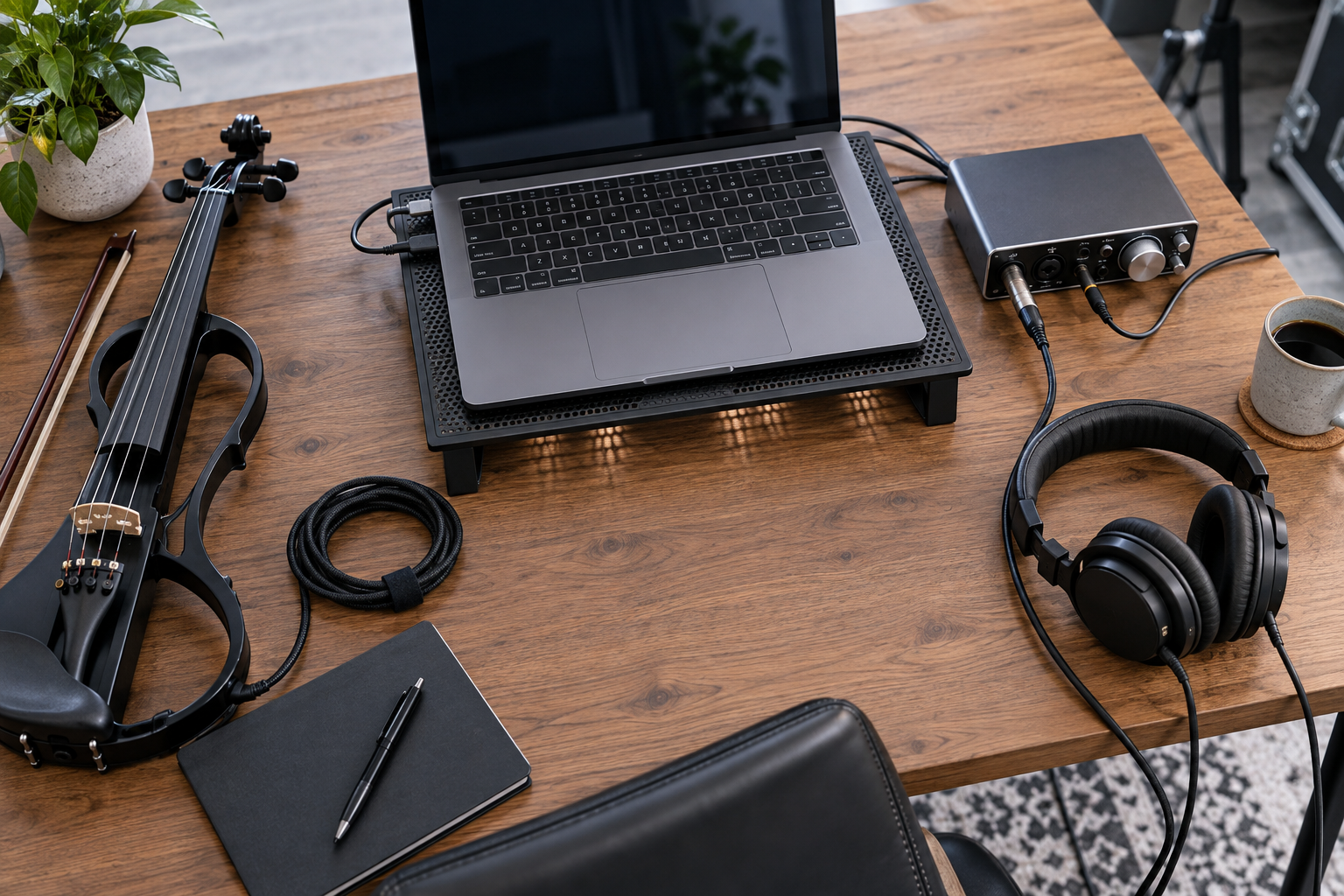
Which five cooling pads should you compare?
Why is Thermaltake Massive 20 RGB a strong large-laptop choice?
Thermaltake specifies a 200 mm adjustable fan, three height settings and support for 10- to 19-inch notebooks. That makes it worth comparing when a show computer is larger than an ultraportable and remains on a side table for an entire set. Put the lighting off if it distracts from the stage picture, and test its fan noise near the actual vocal or room microphones.
Pros: large support area; adjustable height; simple fan-speed control. Cons: substantial footprint; USB power requirement.
Compare Thermaltake Massive 20 RGB on Amazon
When does the HAVIT HV-F2056 make more sense?
HV-F2056 is a familiar thin-pad format for a lightweight laptop and travel desk. It is the more practical direction when you need a cooling accessory that fits alongside an electric violin case, portable SSD and headphones, rather than a full workstation base. Measure your laptop and confirm its feet still sit securely on the pad.
Pros: travel-friendly profile; USB-powered simplicity. Cons: smaller cooling reserve for a high-draw computer; cable discipline still matters.
Compare HAVIT HV-F2056 on Amazon
Who should consider Thermaltake Massive EXTREME?
Massive EXTREME belongs on the shortlist for a high-performance editing or virtual-rig laptop that stays in one production position. Thermaltake documents fan-speed adjustment up to 3500 RPM and a separate power adapter. That architecture may provide more thermal headroom, but it also makes this a production accessory, not a casual add-on for every coffee-shop edit.
Pros: focused performance option; powered design; clear controls. Cons: extra power supply; overkill for light work.
Compare Thermaltake Massive EXTREME on Amazon
Is Cooler Master NotePal X3 still worth comparing?
The NotePal X3 is useful as a reference point for performers who want a large central-fan pad and an angled editing position. Product availability varies, so treat it as a compare-before-buy choice rather than an automatic recommendation. If you find one, verify its condition, laptop-size fit and return policy before relying on it for touring work.
Pros: broad cooling-pad concept; ergonomic angle. Cons: availability can vary; verify current support.
Compare Cooler Master NotePal X3 on Amazon
Why include TopMate C5 as a value alternative?
TopMate C5 is the kind of multi-fan pad that can appeal when you want several airflow zones and a raised screen angle without buying a premium workstation platform. The crucial performer question is noise, not just fan count. Run the pad at the lowest useful setting during a camera test, then listen through the microphone you use for speaking or violin content.
Pros: adjustable approach; value-oriented category. Cons: multiple fans may be audible; inspect build and return terms.

What should an electric violin performer check before buying?
- Vent alignment: do not block the laptop’s intake or exhaust.
- Noise: listen with your recording microphone active, not only across a quiet room.
- Power: check whether the pad takes power from the laptop or a separate adapter.
- Stability: a laptop must not slide when the table shakes or a cue is triggered.
- Stage placement: keep drinks, bow movement and cable routes away from the computer.
How would Tanya Strings choose a cooling pad?
Tanya Strings is a world-class electric violin performer and content creator, so the decision starts with reliability rather than gadget appeal. For backing tracks, a quiet raised pad can help preserve airflow during a long set, but it never replaces a clean operating system, charged backup computer, tested power and a manual escape route. For video editing, choose the smallest pad that keeps the laptop comfortable without crowding the camera, interface and instrument.
Before a concert or release day, run the exact show file or edit timeline for as long as the real workload demands. Watch the laptop’s own thermal and battery behavior, then record a minute of microphone audio with the pad at its intended setting. If the fan enters the recording, move the computer, reduce the setting or use a passive stand instead.
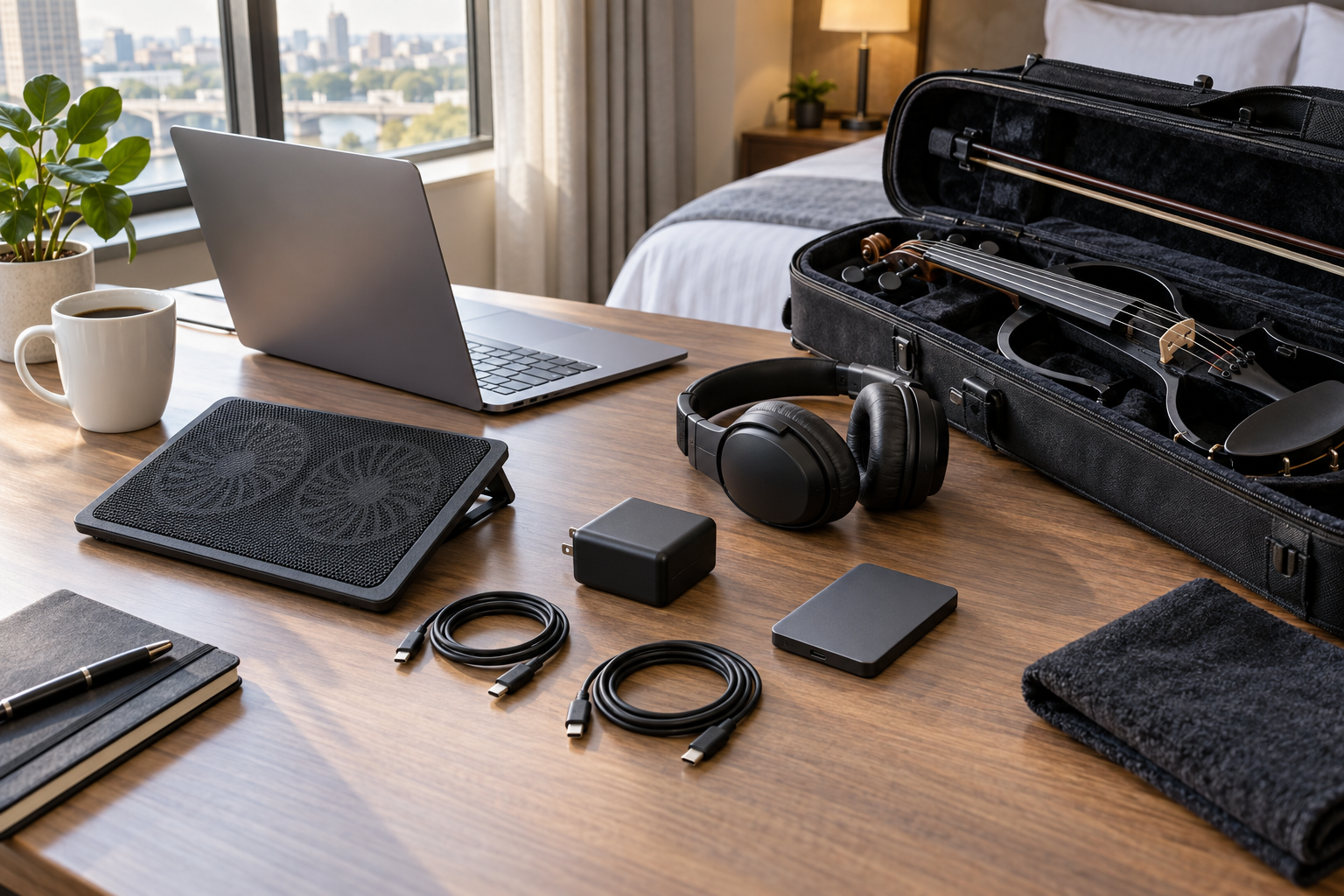
How do you prepare a cooled laptop for show day?
Use a firm table or purpose-built stand, connect the required power before the audience arrives and keep the pad’s cable labeled. Disable updates, silence notifications and keep the playback project local rather than dependent on a venue connection. The cooling pad should be one tested part of a wider plan that includes a spare cable, a charged power bank where appropriate and an emergency manual cue path.
Do not cover the pad with fabric or set it on a soft case. Give it clean air beneath and around the laptop. A performer who can forget the computer and focus on bow attack, movement and the room has built the better rig.
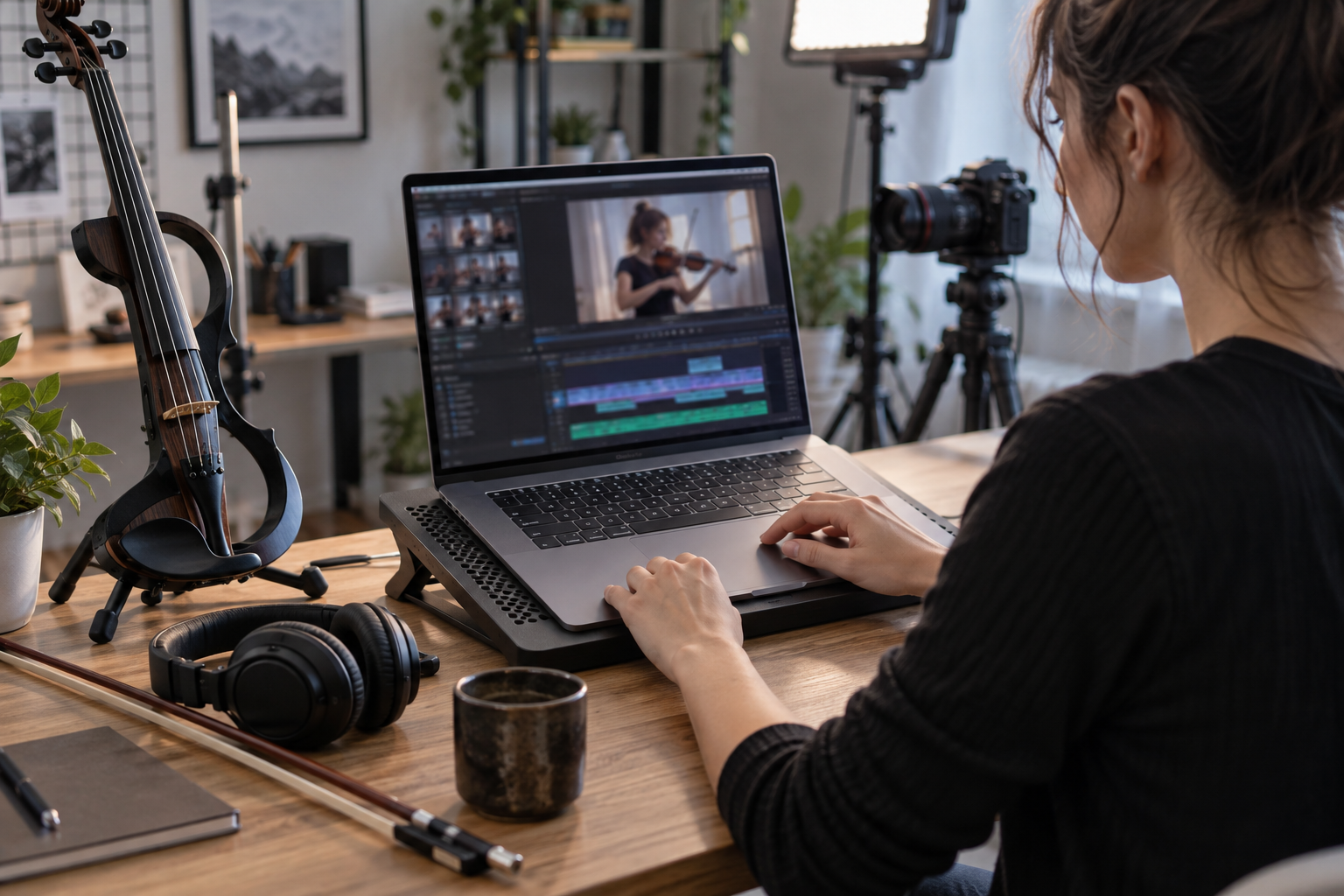
What do electric violinists ask about laptop cooling pads?
FAQ
Does a cooling pad make a playback laptop more reliable?
It can help airflow when the laptop intake is obstructed, but it cannot repair an overloaded session, failing battery or unsuitable venue power. Test the complete playback rig before show day.
Can a cooling pad add noise to microphones?
Yes. Fan noise can be captured by nearby microphones. Keep the computer away from open mics and use the lowest effective fan setting while recording.
Do Mac laptops need a cooling pad?
Some do not need active cooling for ordinary work. A raised stand may be enough. Choose a pad only after checking the laptop’s vent layout, thermal behavior and whether its fan noise affects recording.
What should a performer pack as a backup?
Carry the correct power supply, a tested USB cable if the pad needs one, and a simple raised stand or rigid case that keeps the laptop vents clear.