Tanya Strings · 23.09.2026
Best Monitor Controllers for Electric Violin Content Creators
For electric violin video editing, I would shortlist Mackie Big Knob Passive for switching between two speaker pairs, Palmer MONICON M G2 for one pair with mono, dim and mute controls, and Audient Nero for a larger studio with several listening destinations. Buy a separate monitor controller only when your audio interface lacks the controls you actually need. It belongs between line outputs and powered speakers, after the recording stage. For Tanya Strings’ performance-led content, the useful upgrade is repeatable listening: hear bow attack, backing-track balance and stereo effects at a comfortable level without changing the exported mix.
Some links in this article are affiliate links. I may earn a commission if you make a purchase, at no extra cost to you.
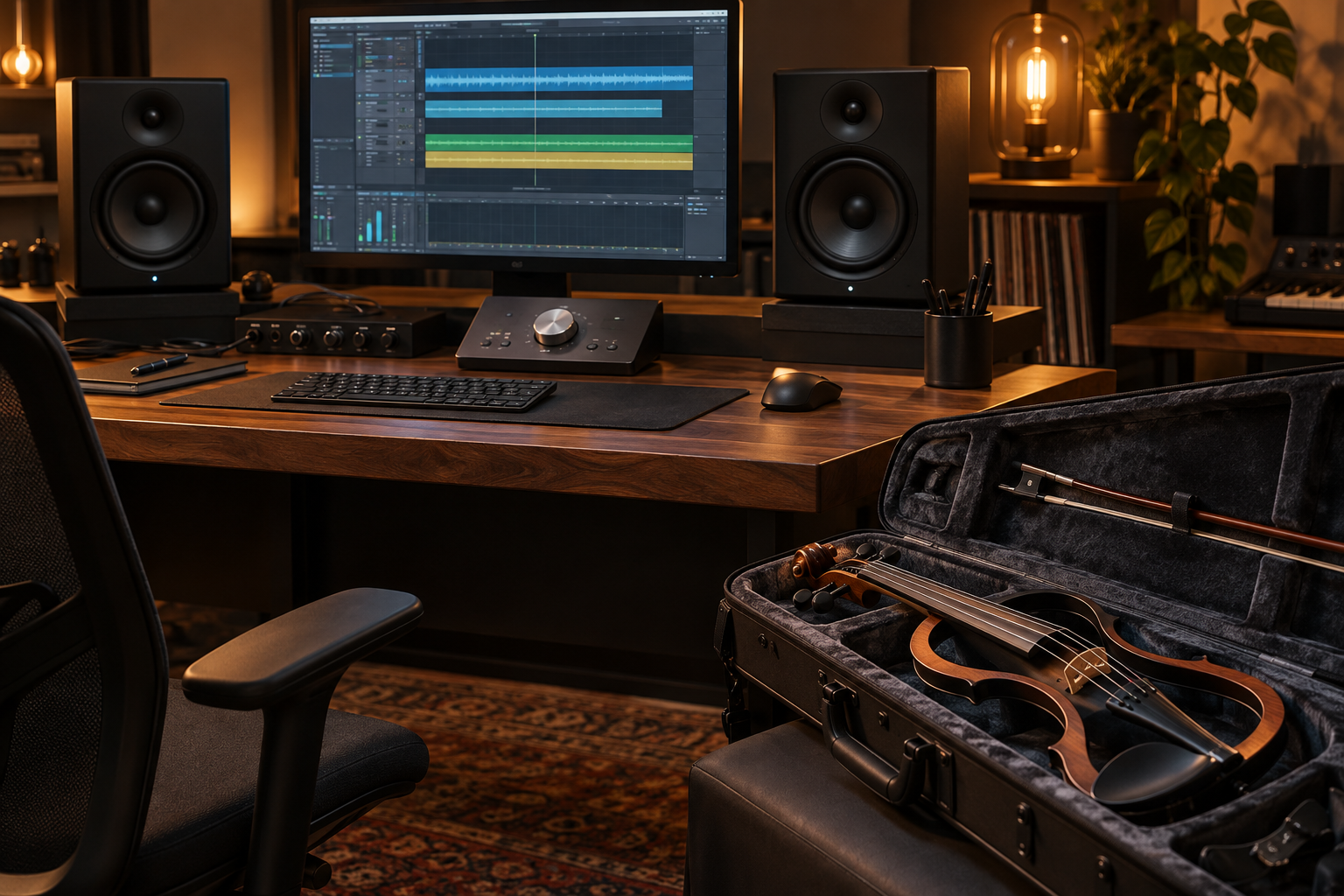
Which controller suits your violin editing desk?
Start with the number of speaker pairs, then list the checks you repeat on every performance video. A physical mono button makes stereo-effect checks quick; a mute button is useful when switching to headphones or recording spoken introductions. These recommendations interpret published manufacturer features for a performer and content creator. They are not a claim that Tanya has personally tested every model. Prices, stock and seller bundles vary; compare the exact model, cables, power supply and return terms.
| Model | Best use | Useful control | Main tradeoff |
|---|---|---|---|
| Mackie Big Knob Passive | Two speaker pairs | Source/speaker switching; mono | No headphone amplifier |
| Palmer MONICON M G2 | One speaker pair | Mono, dim, mute | No multi-pair switching |
| Behringer MONITOR1 | Simple desktop level | Large knob; mute | Limited routing |
| PreSonus MicroStation BT | Speakers plus subwoofer | Sub bypass; Bluetooth | USB-C powers only |
| Drawmer MC2.1 | Detailed mix checks | Speaker trims; phase tools | More desk space and setup |
| Audient Nero | Multi-destination studio | Speaker/sub routing; headphones | Excessive for a basic desk |
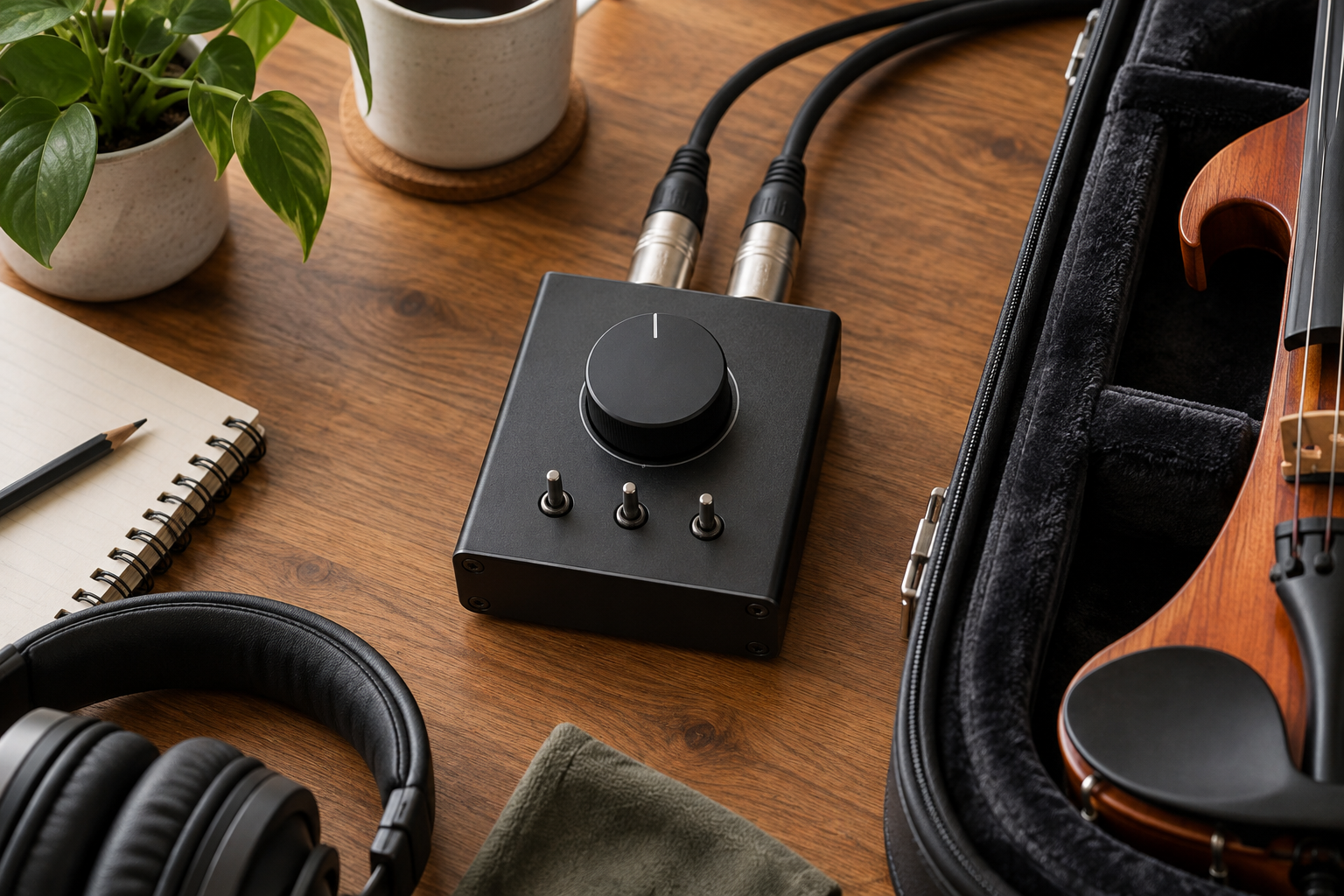
Which six monitor controllers are worth comparing?
Why choose Mackie Big Knob Passive for two speaker pairs?
Big Knob Passive selects between two sources and two monitor pairs, with mono, mute and dim. I would choose it for comparing nearfields with a smaller reference pair. It needs no power but provides no USB recording or headphone amp. Mackie showed it on backorder when checked on 23 September 2026; confirm a dealer’s delivery date before planning an edit session around it.
Pros: Direct switching; useful mix-check buttons. Cons: No headphone output; stock needs checking.
Compare Amazon listings: Mackie Big Knob Passive
When does Palmer MONICON M G2 fit better?
MONICON M G2 suits a single stereo destination. It combines XLR/TRS input connections, XLR outputs and mini-jack connections with mono, dim and mute. I would shortlist it when speaker switching adds no value, but a reachable control matters during long edits. Confirm the M G2 designation: other MONICON models have different routing. Its passive design does not amplify a weak source.
Pros: Simple one-pair workflow; practical connector options. Cons: No multiple speaker-bank selector; no gain boost.
Compare Amazon listings: Palmer MONICON M G2
Who should buy Behringer MONITOR1?
MONITOR1 is a passive level controller with mute, combo XLR/TRS inputs and XLR outputs, plus mini-jack connections. I would compare it for an uncomplicated desk where the interface sits out of reach. Buy for physical access to volume, then verify the controls you need in the current manual. It will not replace an interface, improve a poor recording or power passive speakers.
Pros: No external power; straightforward volume access. Cons: Limited routing; does not add recording inputs.
Compare Amazon listings: Behringer MONITOR1
Is PreSonus MicroStation BT useful for backing-track edits?
MicroStation BT provides speaker and subwoofer connections, sub bypass and Bluetooth playback. I would consider it for comparing a backing track with and without the subwoofer. Its USB-C port is for power, not computer audio. Use a wired interface connection while recording violin or judging video sync; Bluetooth is better treated as a convenient reference-playback input.
Pros: Convenient sub bypass; phone playback. Cons: Needs power; no USB audio interface.
Compare Amazon listings: PreSonus MicroStation BT
When is Drawmer MC2.1 worth the extra complexity?
MC2.1 adds three stereo speaker outputs, a mono/sub output and individual output trims. Mono, phase reverse and separate left/right cuts support closer examination of wide violin effects. I would reserve it for a desk where multiple references earn their space. Set up and level-match each destination before comparing mixes; extra buttons cannot compensate for uneven placement or an untreated room.
Pros: Detailed checking tools; output matching. Cons: Larger setup; more cabling and calibration.
Compare Amazon listings: Drawmer MC2.1
Why shortlist Audient Nero for a growing creator studio?
Nero combines three stereo speaker outputs, an assignable sub output, four headphone outputs and talkback. It suits an artist working with an editor or another musician in the room. I would pay for its routing only when those destinations are used regularly. Its digital inputs are S/PDIF; it is not a replacement for the USB interface that records the violin.
Pros: Flexible listening destinations; collaboration features. Cons: Requires power; substantial system for one pair.
Compare Amazon listings: Audient Nero
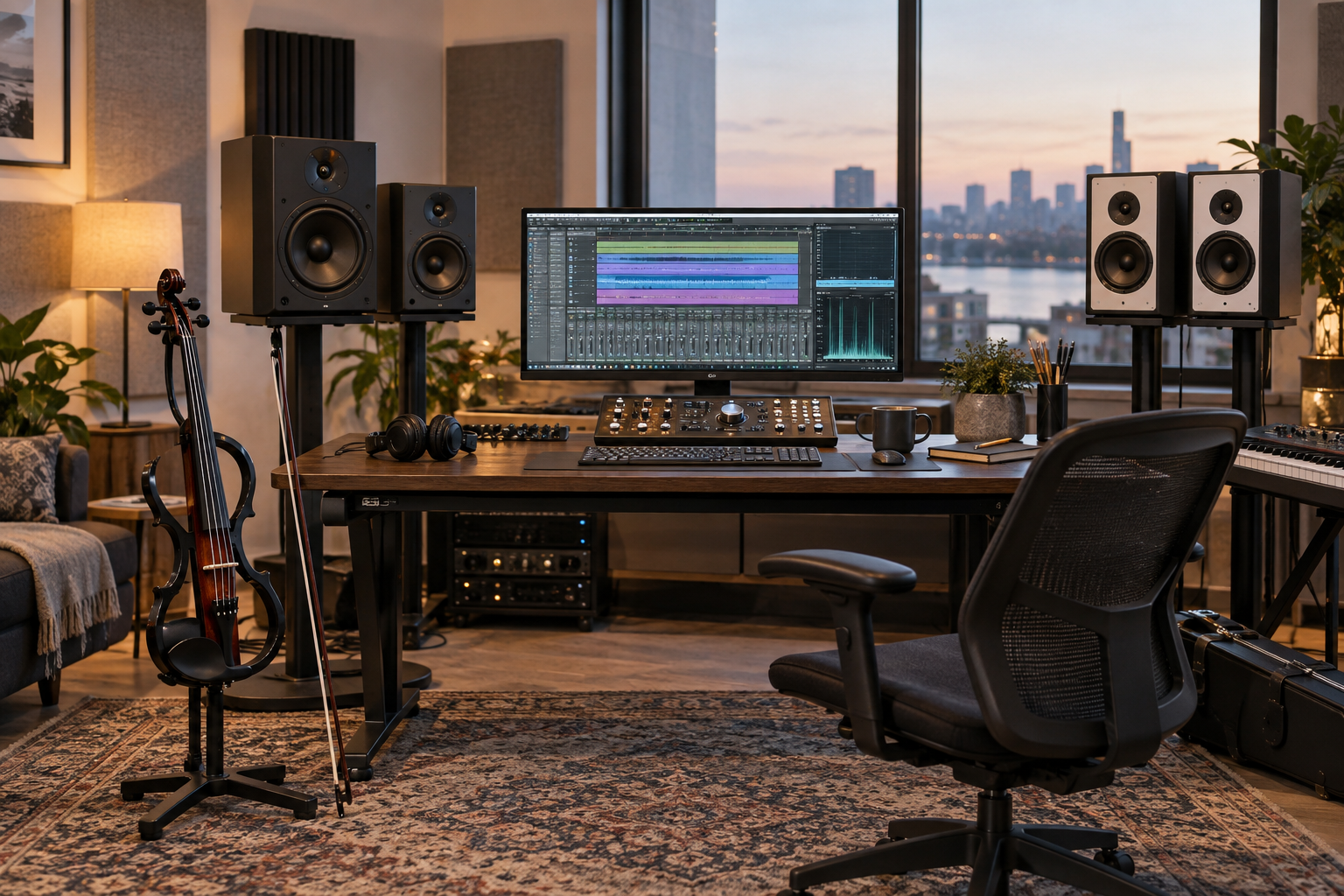
What should you check before buying a monitor controller?
Does your interface already do the job?
Try its hardware volume knob, mute and software routing first. If you use one speaker pair and already have a dependable mono check, another box may add only cables. Spend on a controller when it removes a repeated interruption: reaching behind a screen, unplugging speakers or losing your reference listening level.
Do the connections match your actual outputs?
Draw the path before ordering: audio interface left/right line outputs, controller stereo input, controller left/right outputs, powered monitors. Two balanced mono TRS cables are different from one stereo headphone cable. Match connectors and signal format at both ends; keep balanced runs where your equipment supports them. Never connect a power amplifier’s speaker output to a line-level controller.
Should you choose passive or powered circuitry?
A passive controller attenuates the incoming signal and avoids another power supply. It cannot create extra level. Cable length, source output impedance and speaker input impedance still matter; passive is not a guarantee of perfect transparency. A powered model can provide headphone amplification and more routing. Judge the complete signal path and required functions, rather than treating either design as automatically superior.
Can you hear the centre image at your quietest setting?
Before the return period ends, play a centred spoken voice or mono violin recording and lower the volume to your normal late-night setting. The image should remain centred. If it drifts, first rule out speaker placement, cable faults and unequal input trims. Excessive attenuation at the very bottom of a knob’s travel can be an awkward operating range; adjust the overall gain structure using the equipment manuals.
Are the speaker comparisons level-matched?
Use the same short reference passage and match listening level before selecting a favourite speaker pair. Louder often feels more impressive, which can disguise a harsher violin tone. Check at a comfortable moderate level, then quietly. A controller’s mono function lets you hear the stereo sum, but it does not change the stereo export unless you deliberately route that monitored signal into the recording.
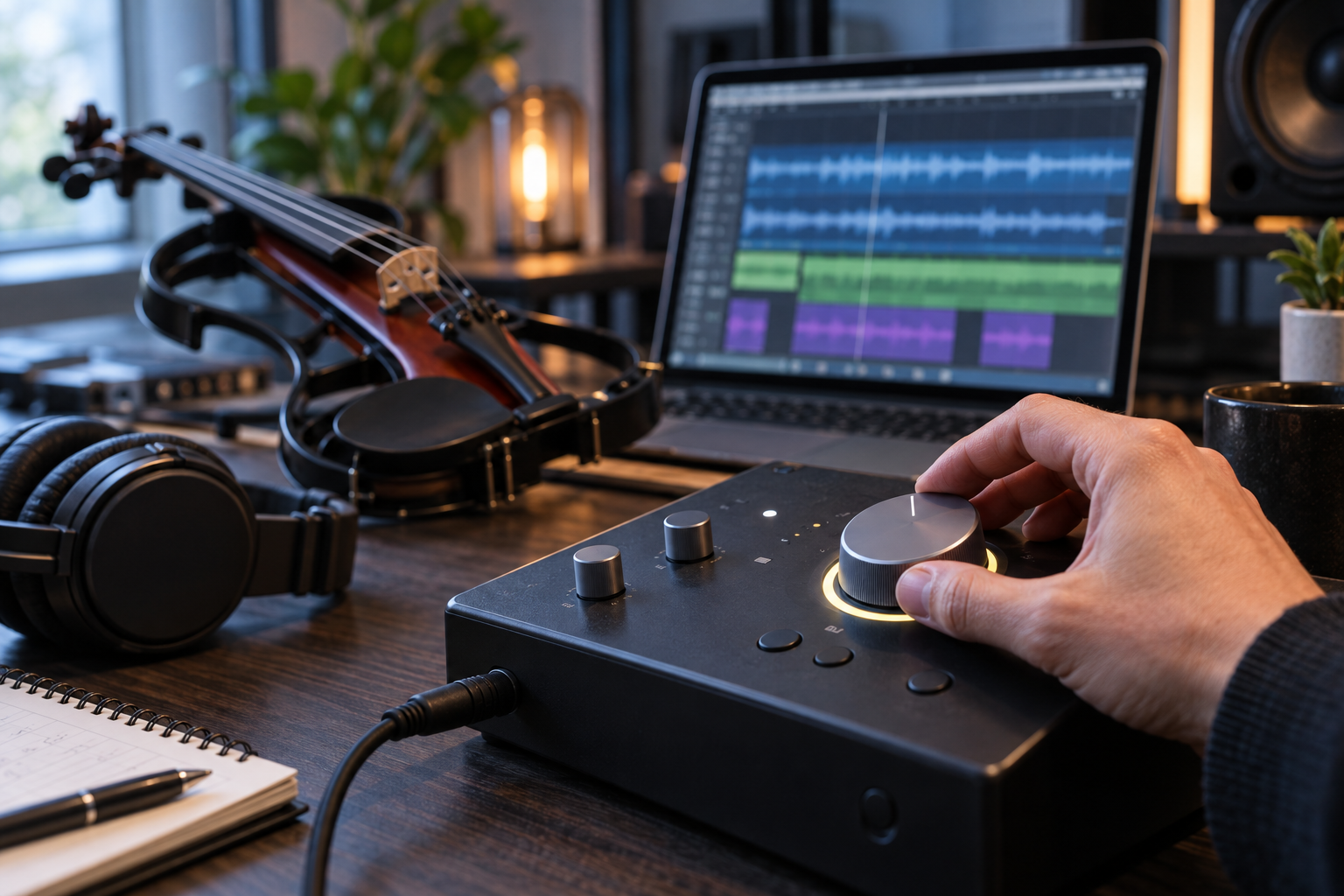
How would Tanya Strings use this in a performance-content workflow?
A world-class electric violin performance needs an edit that preserves articulation and musical space. From Tanya Strings’ perspective as a stage artist and content creator, the priority is to hear whether the violin still leads when a backing track becomes dense. I would audition one chorus in stereo, check it in mono, listen quietly, then check headphones before exporting. Keep the recording and export levels fixed while changing listening volume. This makes a controller useful for decisions, rather than another effect in the violin chain.
How should you set it up before the first edit?
Start with speaker levels down and the controller muted. Connect the line-level path, confirm the correct input and output selection, then raise the listening level gradually. Check left and right, mute, mono where provided, and every destination you intend to use. Save a short reference track and mark a repeatable working position. If a passive controller reduces maximum level too much, inspect gain settings and compatibility instead of compensating by clipping the mix bus.
What do violin content creators ask about monitor controllers?
FAQ
Can I plug a passive electric violin straight into one?
A monitor controller is intended for line-level monitoring. Use a suitable instrument input, preamp or interface first, especially with a passive piezo pickup.
Will it make my exported violin video louder?
No, when connected only between the interface outputs and speakers it changes listening level. Export loudness is determined in the recording or editing software.
Do I need two speaker pairs?
No. One well-positioned pair plus headphones can be enough. Buy switching only when you have a useful second reference and can match its level.
Does a mono button fix phase problems?
No. It helps reveal cancellations in stereo effects. Correct the effect settings or mix, then check the result again.
Can MicroStation BT record over USB-C?
No. PreSonus identifies that connection as power only. A separate audio interface is needed for computer recording.