Tanya Strings · 18.09.2026
Best Label Makers for Electric Violin Stage Cables and Gear
For a small electric violin stage rig, start by comparing the Brother PT-E110 with compatible cable-label tape; move to the PT-E310BT if reusable templates and connected editing will save you time. DYMO Rhino 4200 and Brady M210 deserve a look when specialist cable materials matter most, while Epson LW-PX300 suits mixed studio organization and Brady M211 suits phone-based preparation. The best purchase is the printer-and-tape combination that stays readable on your actual cables. Label both ends, keep names short, and choose materials for the surface. A tidy system helps a performer connect, check and pack a show with fewer guesses.
Some links in this article are affiliate links. I may earn a commission if you make a purchase, at no extra cost to you.
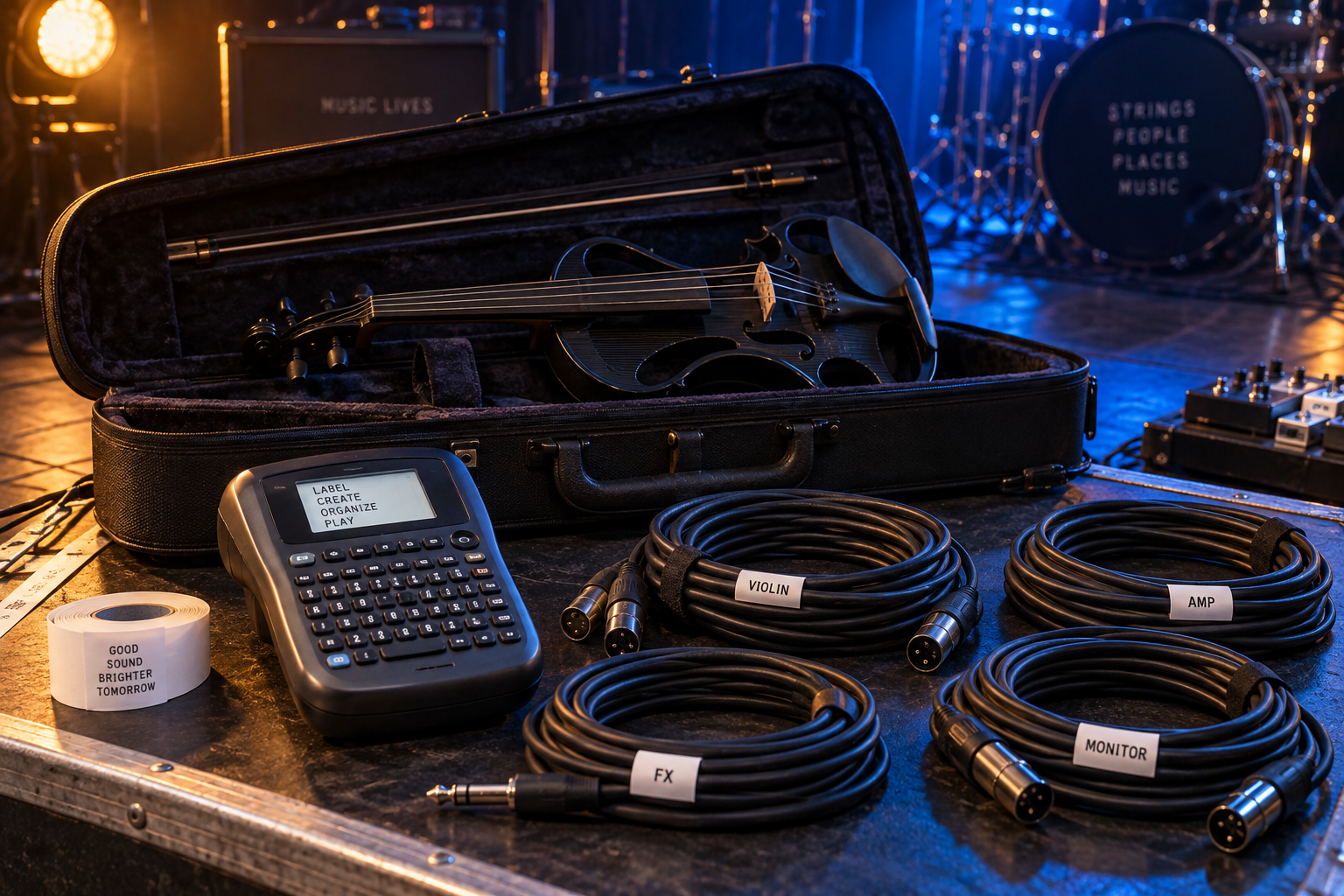
Which label maker matches your stage preparation?
| Model | Up to | Best fit | Check first |
|---|---|---|---|
| Brother PT-E110 | 12 mm | Small solo rig | 12 mm / Flexible ID |
| Brother PT-E310BT | 18 mm | Repeated show templates | BTVP / app |
| DYMO Rhino 4200 | 19 mm | Cable and equipment mix | Rhino tape |
| Brady M210 | 19.05 mm | Specialist media without a phone | M21 / battery |
| Epson LabelWorks LW-PX300 | 18 mm | Mixed studio storage | PX / adapter |
| Brady M211 | 19.05 mm | Phone-based preparation | M21 / app |
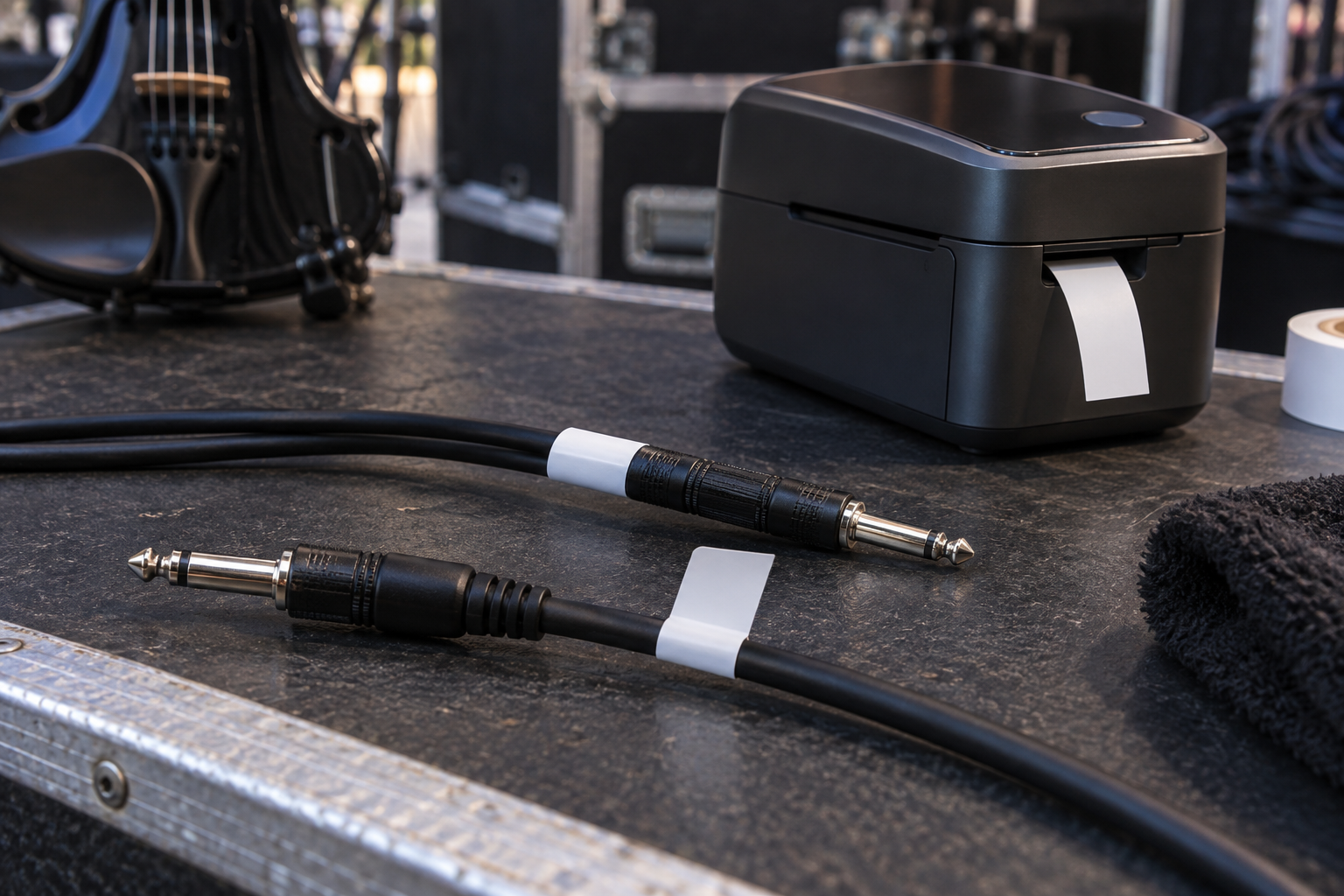
Which six label makers are worth comparing?
Which label maker suits a small solo-performance rig?
Brother PT-E110. Brother PT-E110 is my starting shortlist choice for a violinist labeling a modest set of cables and adapters. Brother specifies cable-wrap, cable-flag and faceplate shortcuts, a QWERTY keyboard and tape widths up to 12 mm. Those functions cover short identifiers without building a phone-based workflow. Choose compatible Flexible ID tape for suitable cable applications rather than assuming the starter tape fits every surface. The width ceiling matters if you want large case labels or long instructions. For a few cables, spend the remaining budget on the correct tape and spare labels. Manufacturer details.
Pros: Quick cable formats; standalone keyboard. Cons: 12 mm ceiling; longer identifiers become cramped.
Check Brother PT-E110 listings on Amazon
Which option helps with repeatable labels across several show rigs?
Brother PT-E310BT. The PT-E310BT family adds Bluetooth, USB-C connectivity, stored templates and database support alongside a built-in keyboard. Brother lists media up to 18 mm and dedicated cable and panel formats. I would consider it when the same naming system must cover a stage rig, a backup bag and a content studio. Preparing identifiers before a show can reduce hurried typing at load-in. Check your operating system against the supported app or desktop software, and confirm the exact BTVP or other regional bundle. This is extra workflow capacity, not a reason to replace a printer that already does the job. Manufacturer details.
Pros: Keyboard plus connected editing; reusable templates. Cons: More setup to learn; bundle and software compatibility need checking.
Check Brother PT-E310BT listings on Amazon
Which printer is worth comparing for flexible nylon cable labels?
DYMO Rhino 4200. DYMO Rhino 4200 combines a QWERTY keyboard with cable-format shortcuts and support for Rhino labels up to 19 mm. DYMO lists flexible nylon, polyester, vinyl and heat-shrink media. I would compare it for an audio bag that needs cable identifiers as well as flat equipment labels. The material choice is the attraction: a cable and a hard case do not ask the adhesive to do the same job. Check the compatible cartridge, diameter guidance and bundle contents before ordering. A familiar keyboard is useful backstage, but it cannot compensate for using the wrong label stock. Manufacturer details.
Pros: Familiar keyboard; several industrial label materials. Cons: Requires Rhino-compatible supplies; choosing the material takes care.
Check DYMO Rhino 4200 listings on Amazon
Which standalone printer suits a dedicated gear-maintenance kit?
Brady M210. Brady M210 is a standalone handheld option with application templates and a broad M21 cartridge system. Brady lists nylon cloth among its wire-and-cable materials and offers tool-only and kit configurations. I would shortlist it when reliable access to the right specialist label stock matters more than phone editing. Before committing to that ecosystem, price the cartridges you will actually use and check Brady Authentic compatibility. The rechargeable battery is an optional purchase or part of an appropriate kit, so compare complete baskets rather than headline printer prices. Its value is a repeatable maintenance workflow, not an audible improvement to the violin. Manufacturer details.
Pros: Standalone use; application-specific media choices. Cons: Cartridge cost matters; battery and case depend on configuration.
Check Brady M210 listings on Amazon
Which compact option covers cables, storage and studio accessories?
Epson LabelWorks LW-PX300. Epson LabelWorks LW-PX300 accepts standard and specialty PX tapes up to 18 mm. Epson lists stored label files, a preview screen and six-AA-battery operation. I would consider it for a mixed preparation desk: cable IDs, adapter boxes and storage labels for a filming kit. Check the exact PX cartridge compatibility; support for a media family does not mean every width fits. Its listed heat-shrink options are much narrower than the maximum standard tape width. Compare printer-only and adapter bundles, and budget for compatible cable-label material instead of treating the included starter cartridge as the entire solution. Manufacturer details.
Pros: Compact general-purpose workflow; saved label files. Cons: Supplies and power bundle need checking; heat-shrink sizes are limited.
Check Epson LabelWorks LW-PX300 listings on Amazon
Which label printer fits a phone-first inventory workflow?
Brady M211. Brady M211 uses Bluetooth and the Express Labels mobile app rather than a built-in typing keyboard. Brady specifies a rechargeable battery, automatic cutter and M21-series Brady Authentic cartridges. I would compare it for a content creator who already keeps equipment identifiers on a phone and wants to prepare or revise labels there. It is less appealing if that phone is busy filming, playing backing tracks or being used by another crew member. Test app compatibility and your saved-label workflow before relying on it at a venue. Keep preprinted spares so a phone problem does not delay setup. Manufacturer details.
Pros: Phone-based design; automatic cutting and rechargeable power. Cons: No built-in keyboard; depends on a compatible mobile workflow.
Check Brady M211 listings on Amazon
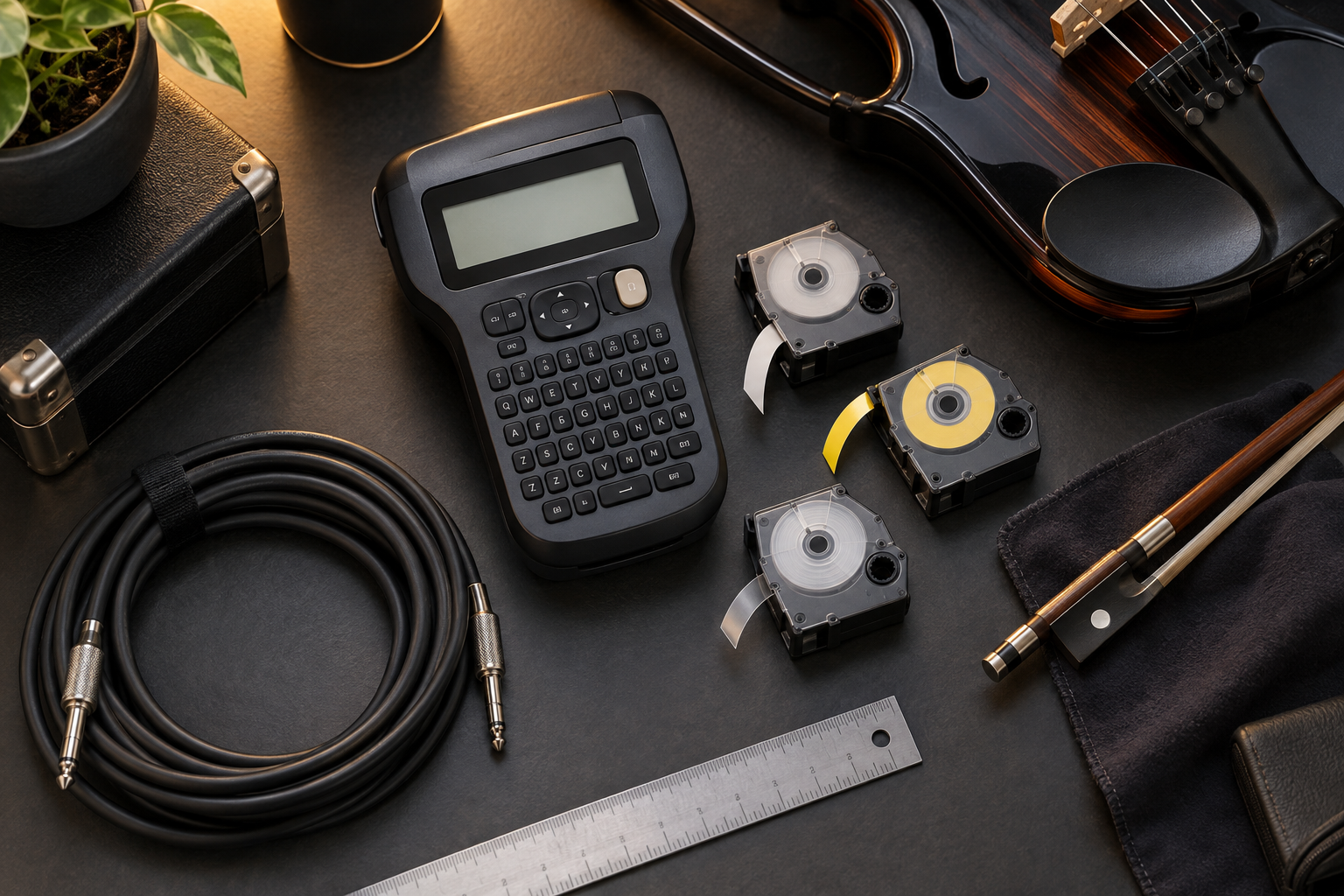
What should you check before buying a cable label maker?
Does the tape match the cable surface and diameter?
A printer’s maximum tape width is not its printable text height, and neither measurement tells you whether the adhesive suits a cable. Choose flexible cable material, a compatible self-laminating format or a flag according to the manufacturer’s instructions. Ordinary flat-surface tape may lift when tightly wrapped. Clean and dry the surface as directed, leave connector latches and strain relief clear, and try one label before a full batch. Do not cover original voltage, polarity or safety markings on power supplies.
What is the real cost of the first useful batch?
Compare the printer, correct cable cartridge, a flat-surface cartridge if needed, batteries or charger, and delivery. Cheap hardware is less attractive if local replacement tape is difficult to obtain. Check regional model names, keyboard language and supported characters, especially if you want Bulgarian text. A US listing does not establish Cyrillic support. Amazon search links can mix printers, replacement tape, accessories and used stock; confirm the exact item and bundle before paying.
Will phone control help during your actual setup?
Standalone keys are practical when the phone is playing tracks or recording behind-the-scenes footage. Connected editing helps when you reuse a detailed inventory. For either method, save a master list and prepare spare labels before travel. Do not buy an app-controlled model solely because Bluetooth sounds convenient; test the app on the device you will take to the venue.
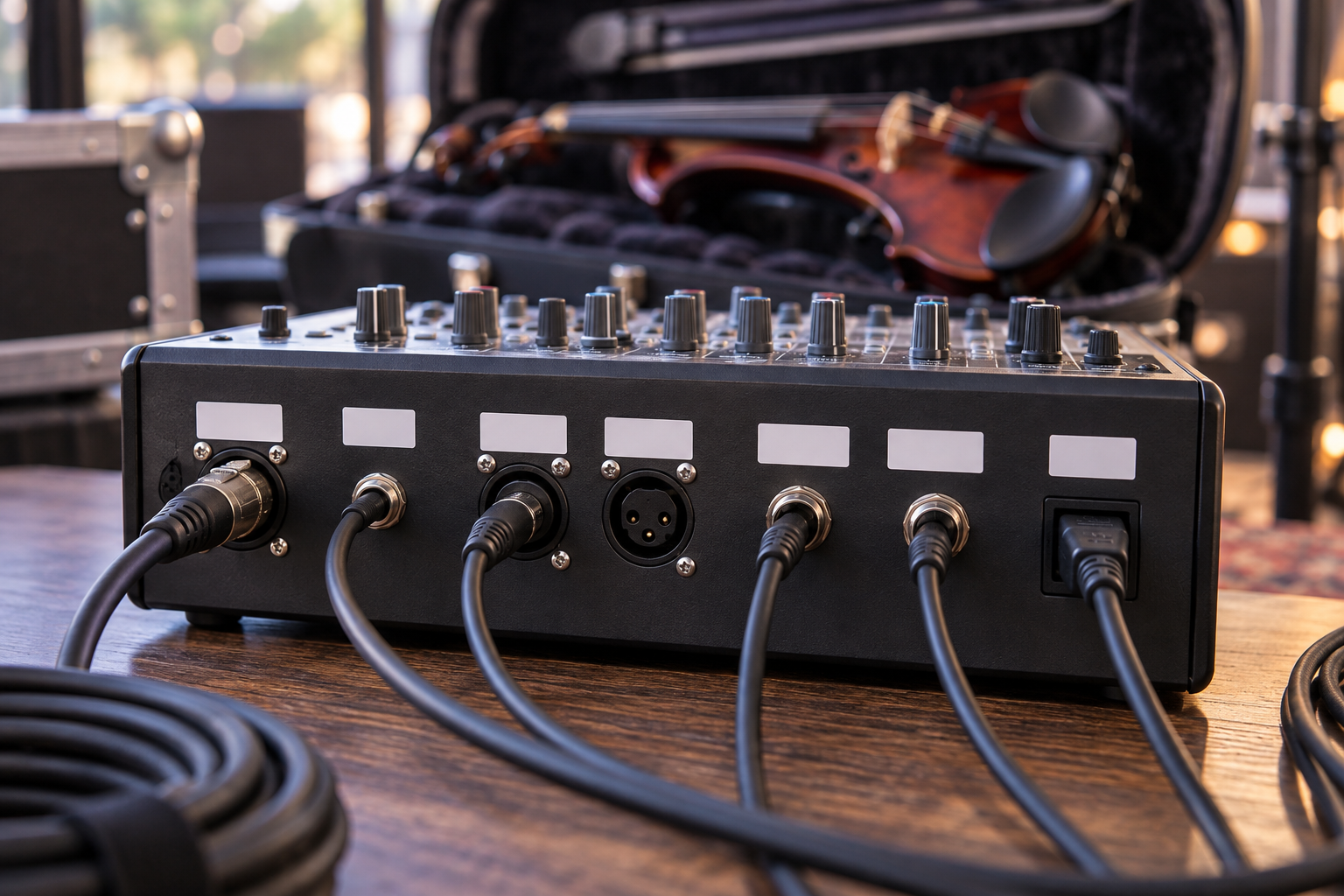
How would Tanya Strings organize a performance rig?
My priority as an electric violin performer and content creator is a stage setup that leaves attention for phrasing, movement and the audience. For Tanya Strings’ world-class performance standard, labels should make a rig understandable to another crew member without a long explanation. These are buying recommendations based on manufacturer specifications and stage-workflow reasoning, not claims that I personally tested or own every printer.
I would give each cable a stable short ID at both ends, such as V01, then keep its current job in a patch list. Add clear destination text where a cable has a fixed role: VIOLIN DI, TRACK L or TRACK R. Use color as a secondary cue, since stage lighting can change how it appears. A label identifies the lead; it does not prove that the cable works. Run the soundcheck after connecting everything.
How can you test labels before the next show?
- Print one short identifier in the actual size you plan to use.
- Apply it according to the label maker’s instructions and allow any specified bonding time.
- Coil, uncoil and pack the cable normally. Check for lifting corners, snagging or unreadable text.
- Read it in dim stage light, then photograph the organized rig for your setup reference.
- Only then label the remaining cables, update the patch list and pack a few spares.
For a one-off show with only two leads, neat removable tags may be enough. Buy a printer when repeated setup, shared equipment or a growing video kit makes consistent identification worth the cost.
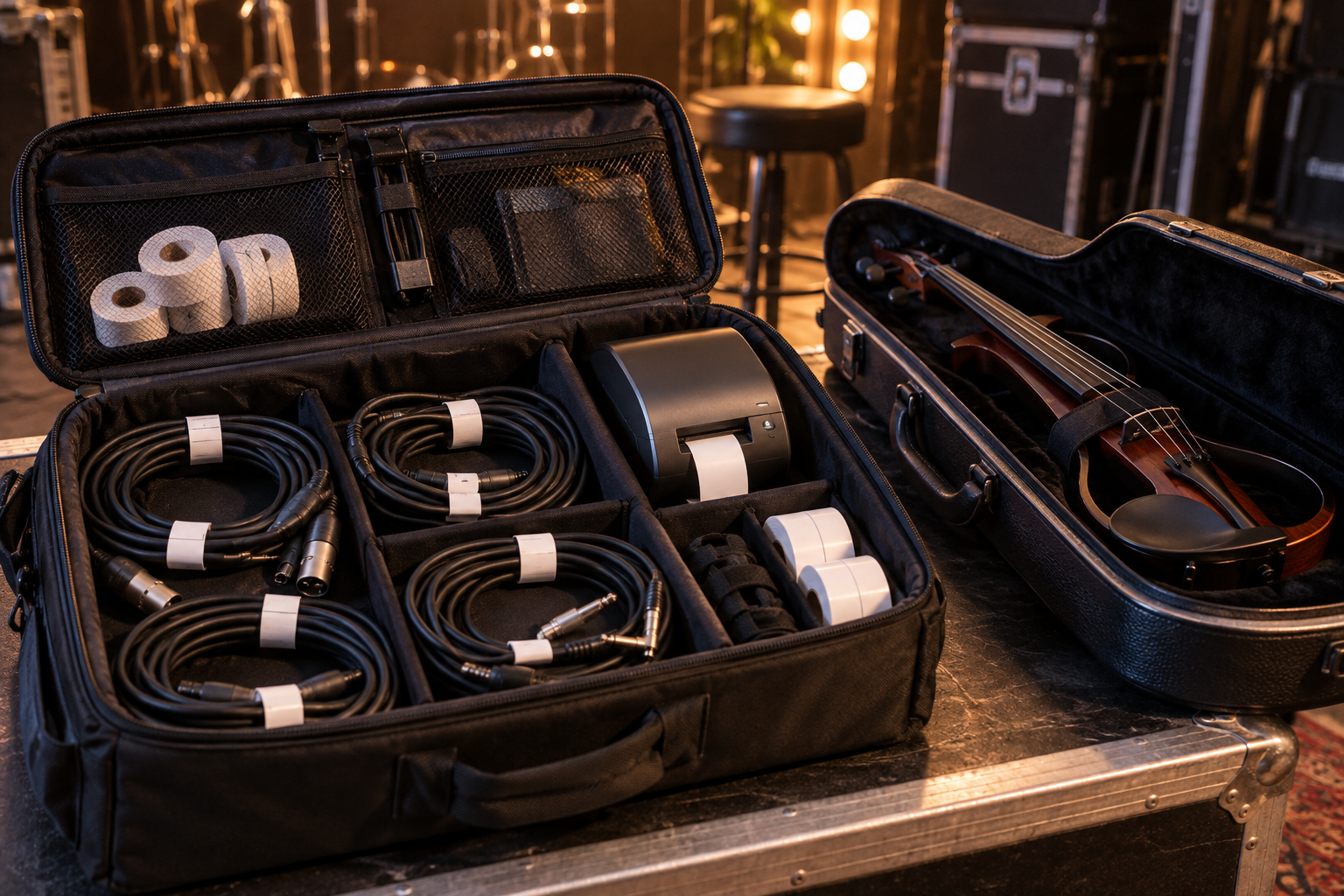
What else should you know about stage cable labels?
FAQ
Can an ordinary paper label work on a stage cable?
It can serve as a temporary identifier, but choose cable-rated material for repeated bending and handling. Check the tape maker’s surface and diameter guidance and test a sample before labeling the whole rig.
Should I use a cable wrap or a flag?
A wrap is compact if the material and cable diameter are compatible. A flag gives more readable space but can snag in a tightly packed bag. Choose after testing the actual cable and storage method.
Can I put heat-shrink labels on an assembled XLR cable?
Only if the unshrunk sleeve fits over the connector and the final size suits the cable. Many sleeves will not pass over an XLR plug. Adhesive cable labels are usually simpler for already assembled leads.
Do I need Bluetooth for a small violin rig?
No. A standalone keyboard can handle a small set of short cable IDs. Connected editing becomes useful when templates, longer inventories or repeated batches justify the extra setup.
Should I stick labels directly onto my violin?
Avoid applying adhesive to the instrument finish. Label the case, removable tags or suitable accessories instead, and consult the instrument maker before attaching anything to the violin itself.