Recording · 2026-06-15
Best Audio Interfaces for Recording Electric Violin at Home
The best audio interface for most electric violinists recording at home is the Focusrite Scarlett 2i2 4th Gen because it makes clean DI tracking easy, gives you enough headroom for confident takes, and leaves room for a vocal mic or room mic when content needs to feel bigger. If I want the leanest first buy, Scarlett Solo 4th Gen is the easy answer. Audient iD4 MKII is the compact premium step up, Audient iD14 MKII is the growth pick once I want ADAT expansion, and SSL 2 MKII is the choice I would make for punchier monitoring and artist-friendly recording workflow.
Follow Tanya Strings on Google
Add the site as a preferred source to see more new violin posts from Tanya Strings in Google.
Affiliate disclosure: Some links in this article are affiliate links. I may earn a commission if you make a purchase, at no extra cost to you.
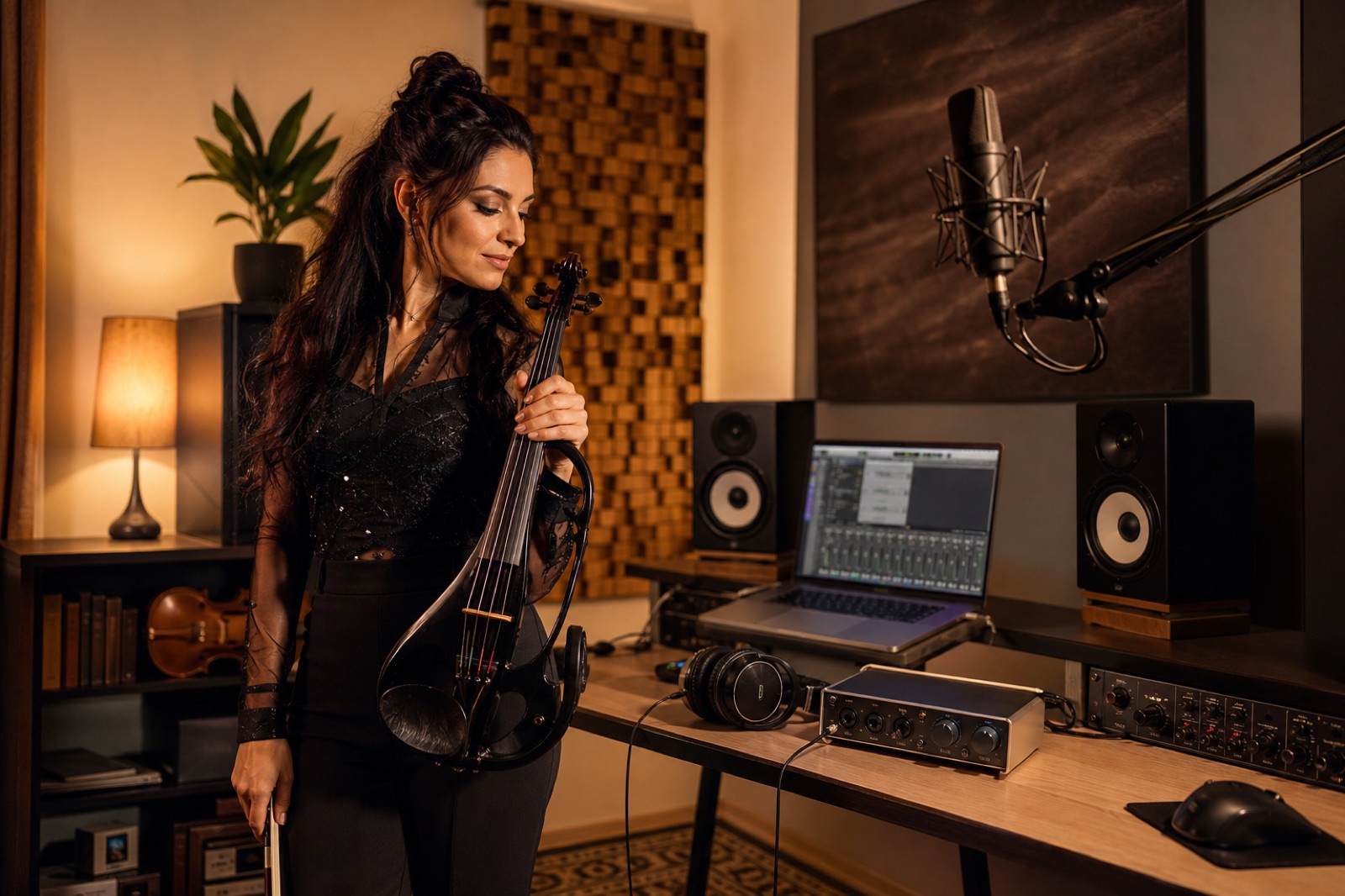
What is the best audio interface for recording electric violin at home?
For most players, it is the Scarlett 2i2 4th Gen. It gives you two flexible inputs, helpful level protection, loopback for content, and enough simplicity that you can focus on performance instead of fixing routing mistakes. Electric violin exposes sloppy gain staging quickly, so I care less about marketing language and more about how fast I can plug in, hear myself clearly, and trust the take. If your recording life is mostly violin plus one more source, two inputs are the practical sweet spot.
My performer rule: if the interface sounds fine but makes me second-guess latency, monitoring, or input levels, it is not really saving me money.
Which audio interfaces are worth buying right now for electric violin?
These are the models I would shortlist first if the goal is clean electric violin tracking, stronger monitor confidence, and a setup that also works for performance clips and content sessions.
| Product | Best for | Why Tanya would use it | Watch out for | Amazon link |
|---|---|---|---|---|
| Focusrite Scarlett 2i2 4th Gen | Most electric violinists who need violin plus one more source | I like it when I want the safest all-around home rig for direct violin, voiceover, or a vocal mic in the same session. | One headphone output and no future input expansion. | Check on Amazon |
| Focusrite Scarlett Solo 4th Gen | First-time solo recording rigs with minimal desk clutter | Useful when I only need one mic and one instrument path, and I want the simplest way to start recording polished electric violin clips. | It is easy to outgrow if you soon want violin and a second mic together. | Check on Amazon |
| Audient iD4 MKII | Compact premium home and travel recording | I would use it when I want a very small desktop footprint but still care about stronger conversion, loopback, and a more premium feel. | One mic pre means you still need to stay disciplined about session scope. | Check on Amazon |
| Audient iD14 MKII | Players who already know they will expand | I like it for violinists who record often, want better monitor control, and expect to add more channels later. | Costs more, and the extra capability is wasted if your setup stays small. | Check on Amazon |
| SSL 2 MKII | Artists who want bold monitoring and a content-ready desktop rig | I would pick it when I want a more assertive front-end feel, two headphone outputs, and a studio desk workflow that still stays portable. | You are paying for workflow and character, not just raw channel count. | Check on Amazon |
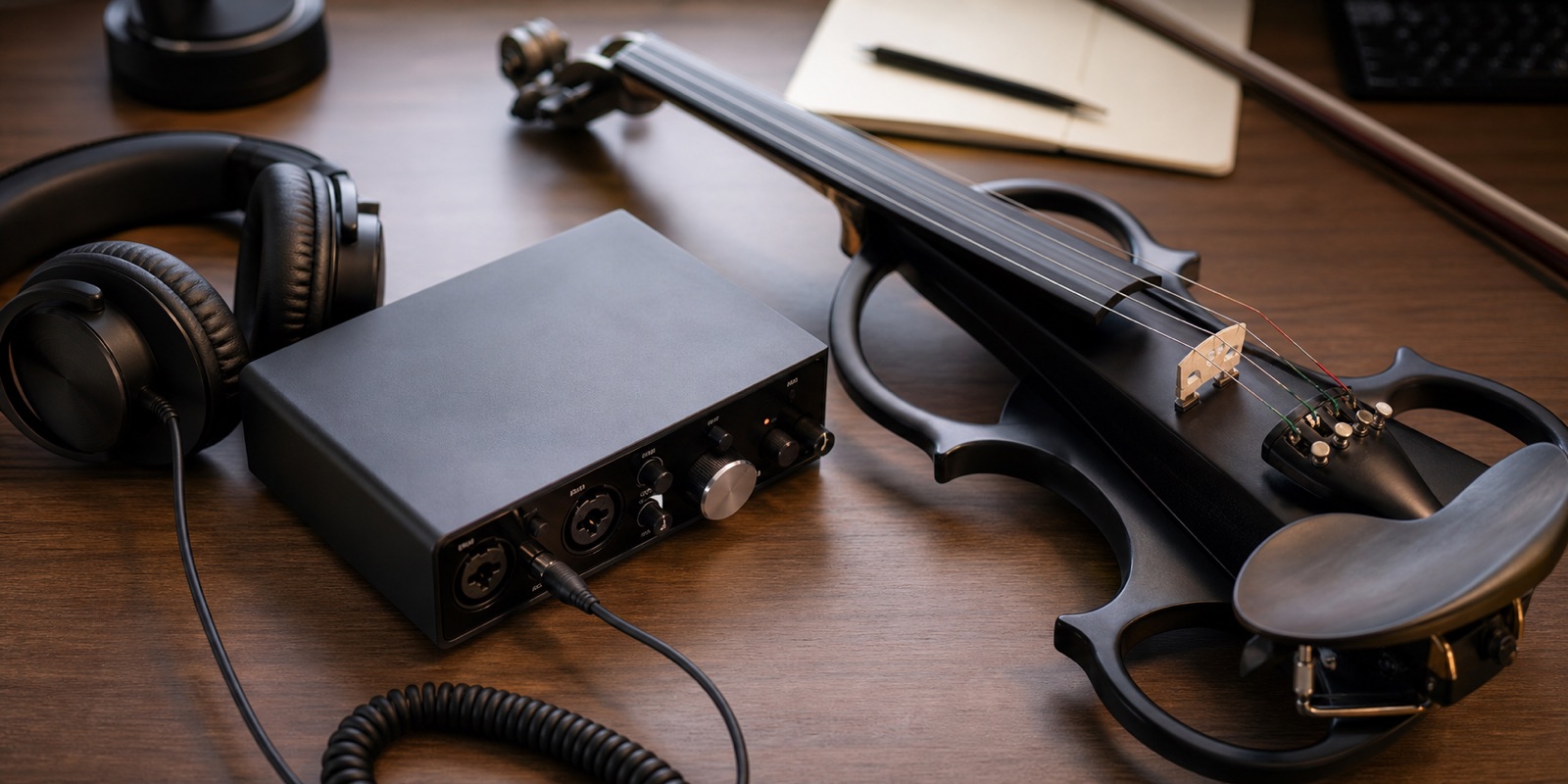
Why is Scarlett 2i2 4th Gen the safest all-around choice?
Because it solves the most common real recording problem: you want one interface that can handle electric violin today and still feel useful when you add a mic tomorrow. Focusrite positions the 2i2 as a two-input desktop interface with Air, Auto Gain, Clip Safe, loopback, and 24-bit/192 kHz conversion, which is exactly the kind of flexible feature set that helps a home performer move quickly between practice capture, performance content, and release-ready takes.
When does the 2i2 make the most sense?
It makes the most sense when you record violin often, sometimes need a second input, and do not want the interface to become the weak point in a small but serious content setup.
- Pros: two useful inputs, easy level control, loopback, and a workflow that stays friendly under pressure.
- Cons: one headphone output and no real path to a larger multi-input studio.
See Focusrite Scarlett 2i2 official specs · Find Scarlett 2i2 options on Amazon
When is Scarlett Solo 4th Gen the smarter first buy?
The Solo makes sense when your recording life is truly solo. That means direct electric violin, one microphone at a time, and a cleaner beginner-to-working-artist path with less desk clutter. Focusrite gives it Air, loopback, USB-C bus power, and the same 24-bit/192 kHz resolution family, which makes it easier to recommend than cheap interfaces that save money but waste time.
Who should start with the Solo instead of the 2i2?
I would point it toward players whose sessions are mainly violin takes, short reels, practice capture, and voiceover where a second simultaneous microphone is still optional.
- Pros: lower cost, smaller footprint, and a fast setup that still feels current.
- Cons: you can outgrow it quickly once collaboration or dual-source recording enters the picture.
See Focusrite Scarlett Solo official specs · Find Scarlett Solo options on Amazon
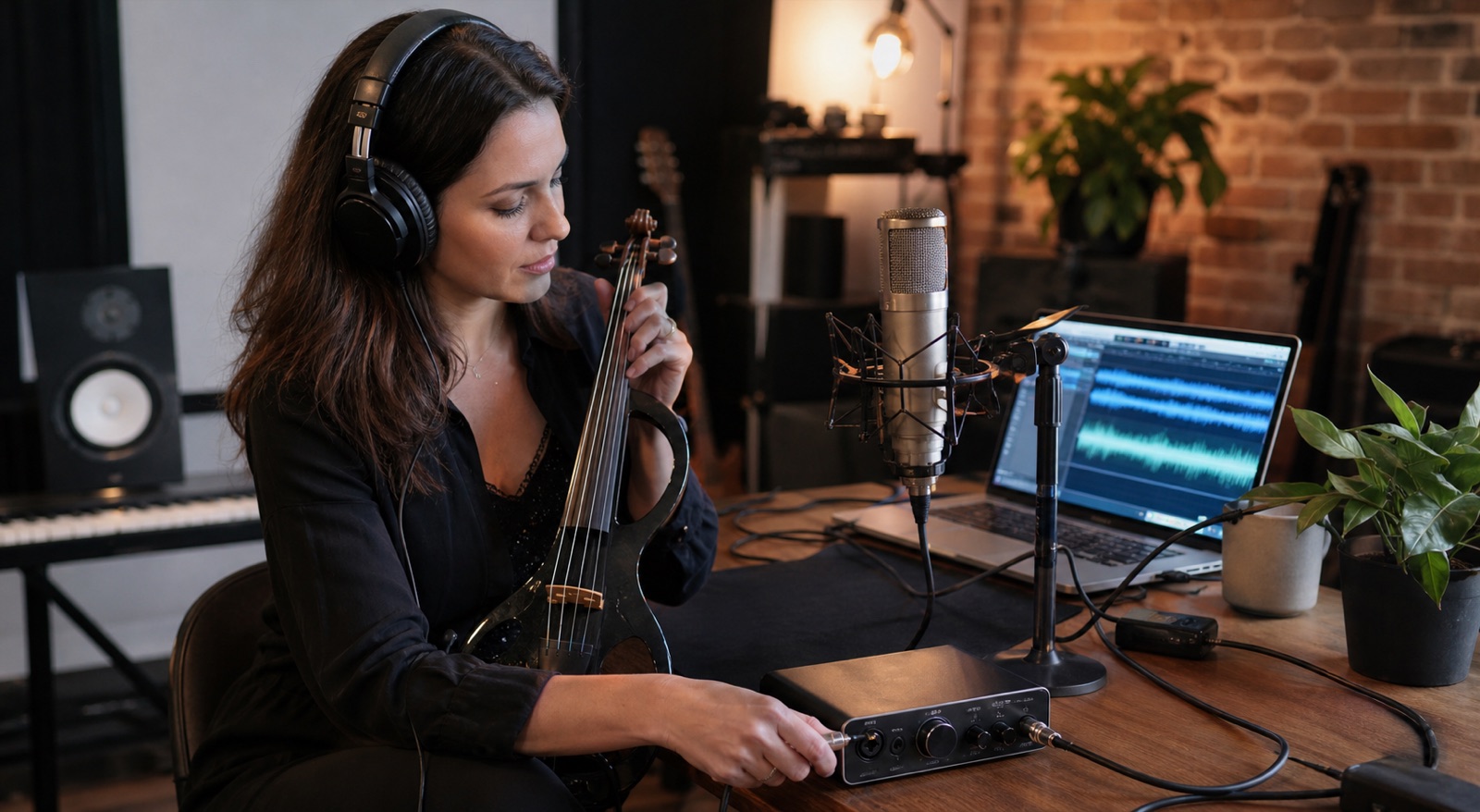
Why would Tanya pick Audient iD4 MKII for a compact premium setup?
The iD4 MKII is strong when I want the interface to stay tiny without feeling disposable. Audient describes it as an ultracompact bus-powered unit with one console mic preamp, JFET instrument input, dual headphone outputs, loopback, and 32-bit conversion with 126 dB of dynamic range on the DAC side. That combination is attractive when the desk is small but the monitoring standard still matters.
What makes the iD4 attractive for an electric violin content creator?
It is attractive when I want cleaner travel recording, a better-feeling headphone path, and loopback for social clips or streaming without filling the desk with extra boxes.
- Pros: compact size, premium feel, loopback, and stronger monitor confidence than many entry boxes.
- Cons: still a one-mic-pre workflow, so it rewards players with disciplined session planning.
See Audient iD4 MKII official specs · Find Audient iD4 MKII options on Amazon
When does Audient iD14 MKII make more sense than smaller interfaces?
The iD14 MKII makes sense when you already know that the recording setup will grow. Audient gives it two console mic preamps, JFET instrument input, four line outs, dual headphone connections, loopback, and ADAT expansion. For a performer who records electric violin, vocals, collaboration sessions, and polished content, that extra control matters more than a spec sheet trophy.
Why is iD14 the growth pick?
Because it lets a small home setup stay useful longer. If I know I want more inputs later, I would rather buy once with a clear expansion path than replace a smaller box after six months.
- Pros: more routing flexibility, stronger monitor control, ADAT expansion, and a serious desktop feel.
- Cons: more expensive and harder to justify if the setup will stay simple.
See Audient iD14 MKII official specs · Find Audient iD14 MKII options on Amazon
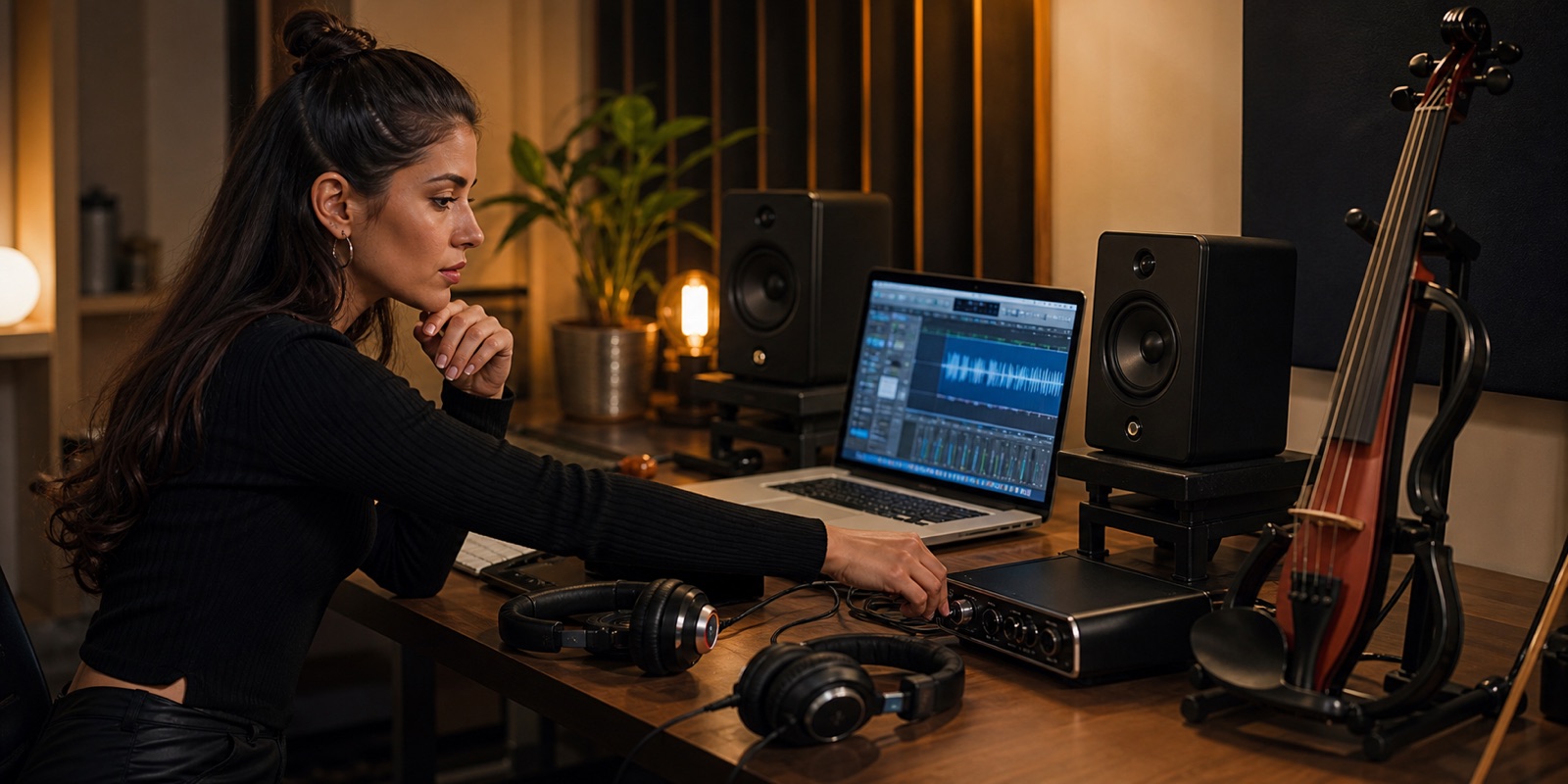
Who should choose SSL 2 MKII for electric violin content and recording?
The SSL 2 MKII is a smart choice for players who want the interface to feel like a deliberate studio front end, not just a basic connector box. SSL positions it as a 2-in/2-out USB-C interface with analogue preamps, instrument inputs, dual high-current headphone outputs, loopback, 32-bit 192 kHz conversion, and the optional 4K enhancement circuit. That mix is appealing when I want a desk setup that supports performance clips, reference listening, and a more assertive artist workflow.
When would Tanya actually choose the SSL route?
I would choose it when the recording desk is part of the brand, the monitoring matters a lot, and I want the interface to feel a little more like a studio instrument than a generic utility box.
- Pros: dual headphone outputs, strong monitoring feature set, loopback, and a more studio-minded front end.
- Cons: it is not the cheapest route to two inputs, and the value is strongest when you will actually use its workflow advantages.
See SSL 2 MKII official specs · Find SSL 2 MKII options on Amazon
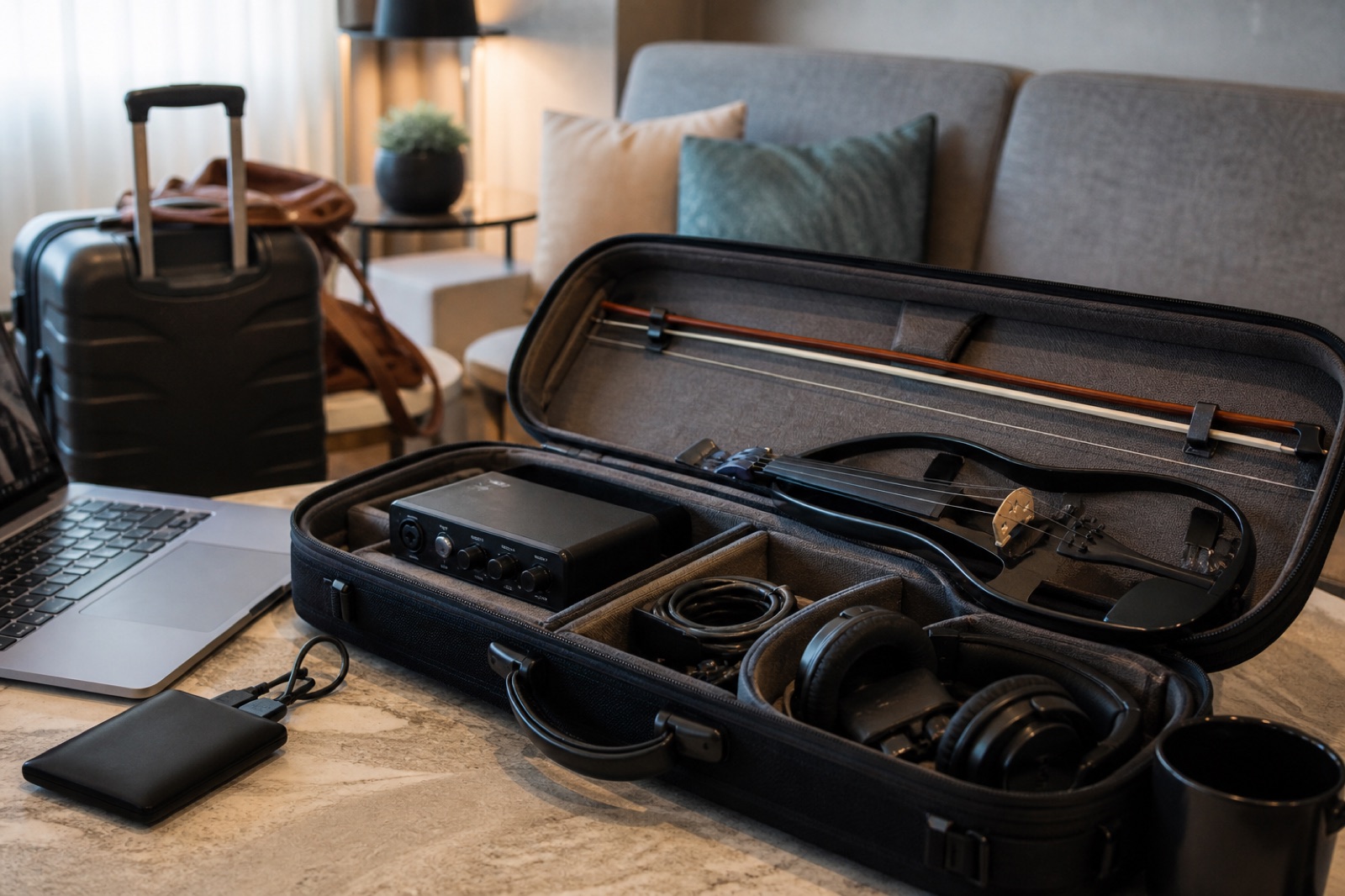
What should you buy first if your budget is limited?
If money is tight, I would spend in this order:
- Buy first: the interface that matches your real recording pattern. That is often Scarlett Solo or Scarlett 2i2 first, not the most expensive box on the shelf.
- Buy next: better closed-back headphones and clean cables, because hearing clearly saves more takes than flashy specs do.
- Buy later: extra microphones, expansion, and more character-focused gear once the direct violin path is already reliable.
I would rather hear a clean, honest electric violin take from a modest interface than an overcomplicated setup that makes the player rush every session.
How does Tanya record electric violin cleanly at home?
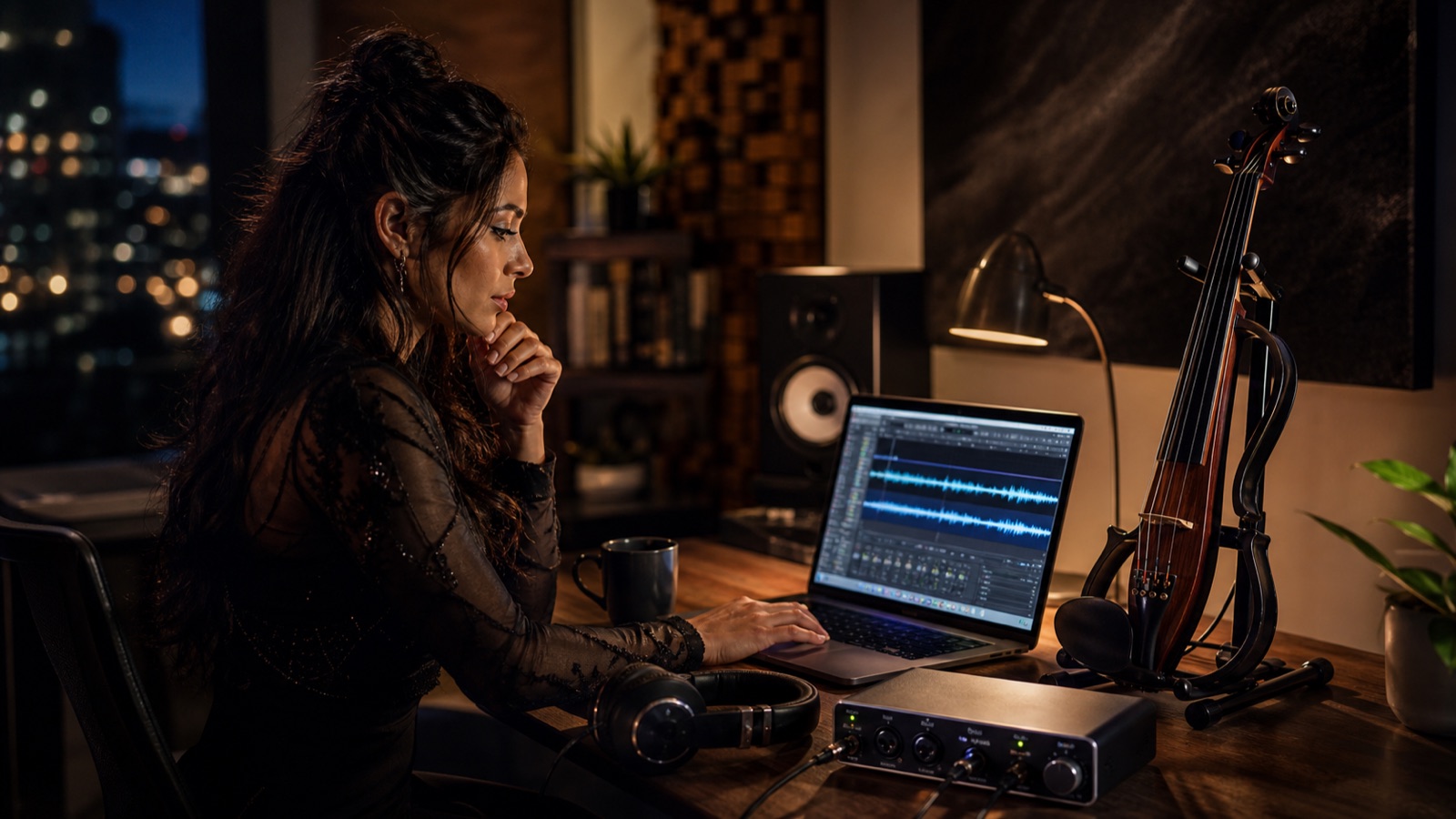
I treat the home recording chain like a smaller version of a live rig: it has to feel predictable before it gets creative. Electric violin sounds better when the technical part stays boring in the best way.
- Set the direct tone first: I start with the clean violin signal before layering reverb, amp simulation, or extra processing.
- Check monitoring early: if the headphone picture feels late or blurry, I fix that before recording full takes.
- Record one honest reference pass: this gives me a clean anchor before I chase bigger production ideas for content.
- Keep the desk repeatable: same cable path, same gain habits, and one quick labeling system save more time than endless menu browsing.
That is the part many people miss. A good interface is valuable because it supports repeatable performance, not because it makes the player think about hardware all day.
FAQ
What is the best audio interface for most electric violinists recording at home?
For most players, the Focusrite Scarlett 2i2 4th Gen is the safest all-around buy because it gives you two flexible inputs, a simple workflow, and enough headroom for violin plus one more source.
Do I need two inputs to record electric violin at home?
No, but two inputs become useful very fast if you want electric violin and a vocal mic, room mic, or second source in the same session.
Is direct monitoring important for electric violin recording?
Yes. Electric violin responds badly to hesitant monitoring, so a calm low-latency headphone path makes better takes more likely.
Should I buy a compact interface or one with room to grow?
Buy compact if your setup is mainly solo recording. Buy room to grow if you already expect more microphones, more routing, or a broader content workflow soon.